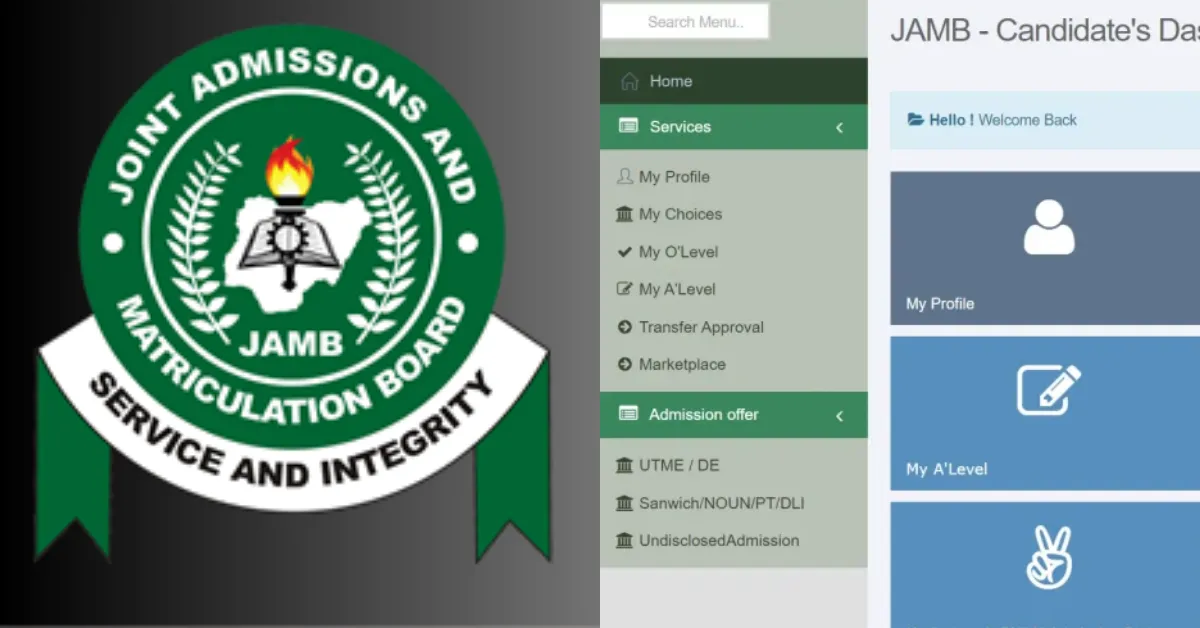
Every candidate needs to access the JAMB admission portal immediately after writing the UTME. This platform serves as your personal hub for everything related to your university admission.
From checking your admission status to accepting or rejecting offers and accessing other essential services, everything happens right here. Follow these steps, and you'll be in complete command of your admission journey in minutes.
The JAMB Admission Portal Login
Checking your admission status has been made easy. All you need to do is visit the JAMB CAPS platform, log in with your email and password. Follow these steps to check your admission status on the JAMB CAPS portal. Below are the steps:
- Log on to the JAMB EFacility Portal at https://efacility.jamb.gov.ng
- Input the email and password you used during registration.
- Click on "Check Admission Status"
- Enter your Exam Year and JAMB Registration Number. Select your exam year and enter your JAMB reg number, then click “Check Admission Status.”
- View Your Admission Status. If admitted, the institution and course will appear. If not, it may say “No Admission Yet.” Keep checking regularly.
Admission Responses and their Meanings
While checking your admission status, you might see one of the following messages. Here is what it actually means:
| Responses | Meanings |
| Congratulations! You have been offered provisional admission | This means you have been offered admission. You can either accept or reject. |
| Admission in Progress | This means your admission is still being processed. Just keep checking the portal for changes. |
| Not Admitted | No admission has been offered yet. You may have to consider applying for a change of course or institution if necessary. |
What to Do After Checking Your Status
There are certain things you need to do after checking your admission status. They are:
Accept or Reject Admission
Click on the one you prefer on your CAPS dashboard to either accept or reject.
Print Your Admission Letter
Go ahead and click on "Print Admission Letter" for documentation.
Check the Specific Requirement of the Institution
Visit the school's website for details of:
- School acceptance fee payment details
- Hostel accommodation application process
- Course registration schedule
- Medical screening requirements
- Orientation program dates
If you haven't been admitted yet:
- Keep checking the portal regularly (at least twice weekly).
- Consider checking other institutions that might consider your second choice.
- Prepare documentation for the change of institution if necessary.
Note: Think of the JAMB Admission portal like a waiting hall where everyone gets to sit and waits to be called upon. So keep checking, keep hoping. You never know, the next click might be the one that makes you smile widely.
How to Accept or Reject Admission Offers
You can accept or reject your JAMB Admission offers via SMS or JAMB CAPS Portal.
Via SMS:
- Accept: Send UTME2025/12345678AB ACCEPT to 55019.
- Reject: Send UTME2025/12345678AB REJECT to 55019.
Note: Use the same SIM card used for registration, and ensure you have airtime.
Via JAMB CAPS Portal:
- Log on to the JAMB eFacility portal https://efacility.jamb.gov.ng/
- Select "Access My CAPS".
- Click on "Admission Status".
- Click "Accept" or "Reject".
Note: If using a phone, enable "Desktop Site" in your browser (e.g., Chrome) to see all options.







No comments yet. Be the first to share your thoughts!