You have completed your JAMB registration, and now the next step is to find out where and when your examination will be held. The good news is that you do not need to wait for any text message or email notification.
All the details about your exam centre and date are already available online, waiting for you to access them. In this guide, we walk you through the simple steps to check your JAMB exam centre and date without any hassle.
How to Check Your JAMB Exam Centre and Date
Follow these steps to check your JAMB exam centre and date online easily:
Step 1: Visit the JAMB Portal
Go to your browser and type in the official JAMB portal link efacility.jamb.gov.ng
Step 2: Log in to Your JAMB Profile
Input your email address and password that you used to create your JAMB profile. If you can't remember your login details, you can go ahead and click the "Forgot Password" to reset them.
Click on log in to have access to your dashboard.
Step 3: Check Your JAMB Exam Notification Slip
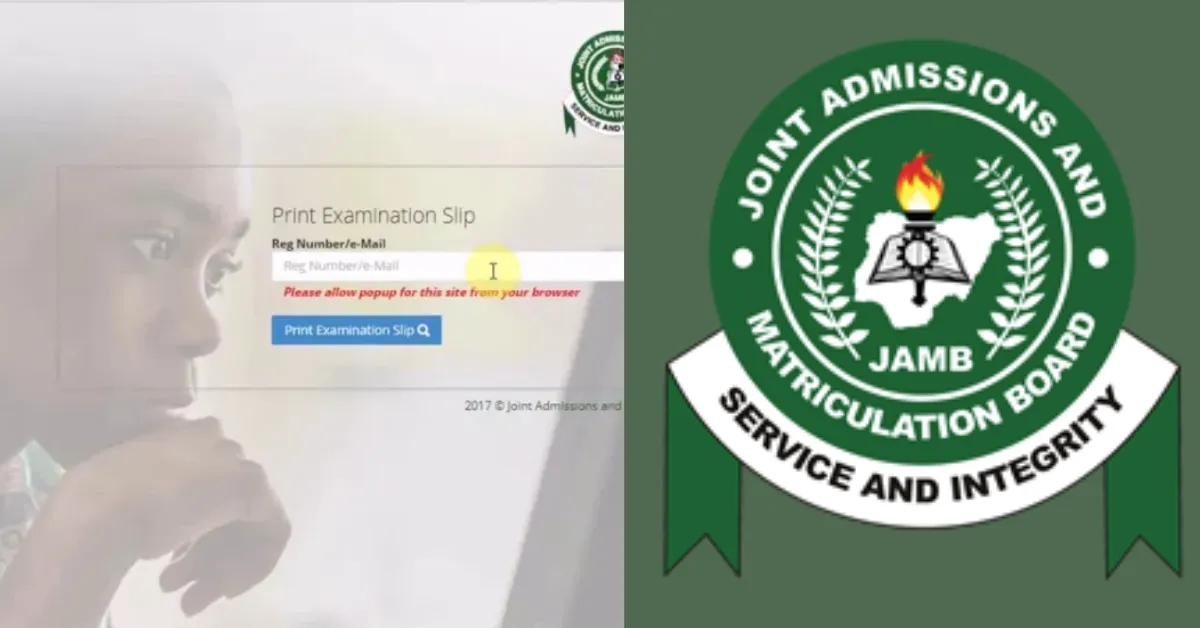
Once you have logged in, go to "Print Examination Slip" or Check Examination Slip. This option helps you view your exam details.
Step 4: Print Your Exam Slip
Click on the "Print Examination Slip" link. You’ll be prompted to enter your JAMB Registration Number or the email address you used during registration.
Note: Your exam centre, date, and time will be displayed on the screen. It is advisable to print this slip as you will need to present it at the exam centre.
Step 5: Check Your Email
JAMB usually sends your exam slip to the email address you provided during registration. Check your inbox or spam folder for an email from JAMB. Download the slip, print it out, and keep it safe for the exam day.
When is the JAMB Exam Starting and Ending?
JAMB has announced that the Unified Tertiary Matriculation Examination (UTME) will commence on Thursday, April 16, 2026, and end on April 25, 2026. Read the full announcement: JAMB UTME 2026 Starts Today
Arrival Time Requirements
JAMB requires candidates to arrive at least one hour before their scheduled exam time. This hour is for:
- Document verification
- Biometric confirmation
- Seating arrangement
- System login and setup
What to Do If Your Centre Is Far
If your assigned centre is distant from your selected town:
- Consider staying nearby the night before.
- Arrange reliable transport the previous evening.
- Leave extremely early to account for unexpected delays.
- Have backup transport options (multiple taxi numbers, bus routes).
You can also visit your venue a day or two before your exams to:
- Confirm the building and entrance.
- Check opening hours (most centres open early on exam days).
- Identify where candidates queue or wait.
- Note nearby eateries if you need to eat before the exam.
- Find restroom locations if you arrive early.
What Can Go Wrong on Exam Day?
Certain things could go wrong on your exam day if you don't plan. This includes:
- Missing your Direction
- Traffic Delay
- Wrong Address
- Stress and Panic







1 Comment