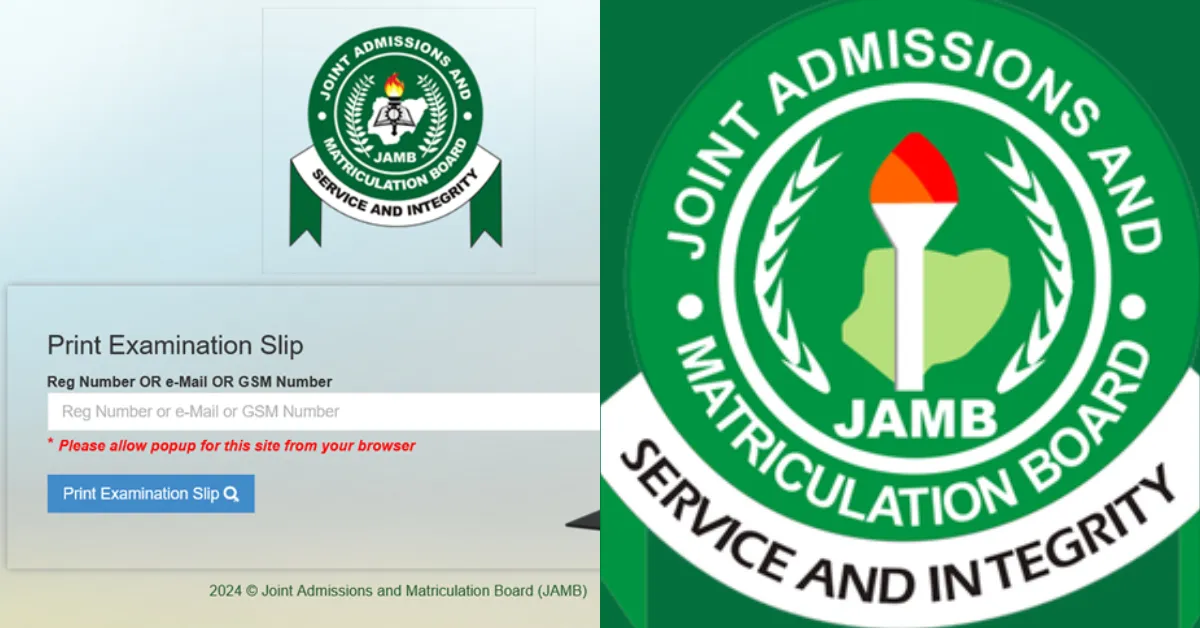
Your exam date is confirmed, and now you need your JAMB examination slip. This document is your only entry into the hall, as it contains your venue, date, time, and personal details.
Since no other document will be accepted at the venue, printing your slip before exam day should be your top priority. Here is how to do it.
What You Need to Print or Reprint Your 2026 JAMB Exam Slip
Before attempting to print or reprint your JAMB exam slip, make sure you have the following items ready:
- Your JAMB registration number, registered email address, or phone number.
- A desktop computer or smartphone with an active internet connection.
- Access to a printer or a printing service outlet.
How to Print JAMB Examination Slip
JAMB announced today, April 9, 2026, on their X handle that the examination slip is now available for printing. The process is seamless, and you can print it from anywhere with an internet connection. Read the full announcement: JAMB Opens Portal for 2026 Exam Slip Printing
Follow these steps below to print your JAMB examination slip:
Step 1: Visit the JAMB Efacility Portal
- Log on to this link jamb.gov.ng
- Click on “2026 UTME Slip Printing” from the homepage.
- Enter your JAMB Registration Number or Email Address in the required field.
- Click on the “Print Examination Slip” button.
Step 2: Verify Your Details
After clicking the button, your JAMB exam slip will be displayed on the screen. Carefully check for:
- Your Name (Ensure correct spelling)
- JAMB Registration Number
- Exam Date & Time
- Exam Centre & Address
- Other Personal Information
Note: If everything looks correct, proceed to print the slip.
Step 3: Print Your Slip
- Connect your computer to a printer (a colored printer is preferred for clear details).
- Click the Print button on your browser.
- Select the printer and print the slip on an A4 sized paper.
What’s on the JAMB Examination Slip?
Your JAMB exam slip contains the following:
- Your full name.
- JAMB registration number.
- Exam date and time.
- Exam centre/venue address.
- Your chosen subjects.
- A passport photo.
Where Can I Print My JAMB Exam Slip
If you don’t have a printer at home, here are the best places to print your JAMB exam slip:
- Cyber Cafe: Most cafes offer JAMB related services.
- Accredited JAMB CBT Centres: Some centres allow candidates to print their slips for a small fee.
- Business Centres: Printing shops near schools and markets usually offer this service.
Note: JAMB just announced that candidates can now print their original 2026 Unified Tertiary Matriculation Examination result slips as the portal is set to open in a few hours. See Announcement: 2026 UTME Original Result Slips Now Available Nationwide
Important Things to Note
1. Ensure to print extra copies of your slip, one for your personal records and another to take to the examination centre.
2. Be Familiar with the location of your exam centre and plan your travel route to avoid last minute stress.
3. Engaging in mock tests and practising past JAMB questions can greatly improve your familiarity with the test format and question types.
4. Ensure you are well rested before the exam to maximise your focus and concentration during the test.
5. Carefully review the details on your mock examination slip. Ensure that all the information, including your name, date of birth, examination date, venue, and seat number, is accurate. You can contact JAMB support if you have any discrepancies.







No comments yet. Be the first to share your thoughts!