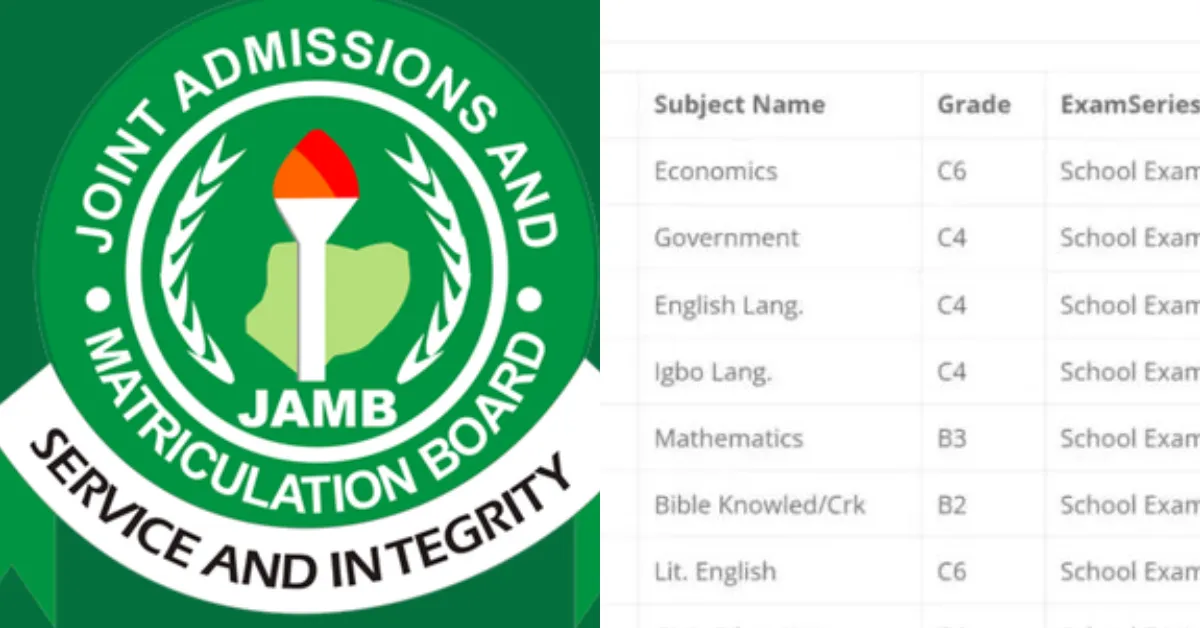
Uploading your O'Level result to JAMB is mandatory, not optional. Without it, no Nigerian university will admit you, even if you have the highest score in UTME.
This step is necessary for all candidates, whether you registered with “Awaiting Result” or already have your result in hand. Let's guide you through everything you need to know about uploading your O’Level results on the JAMB portal, including when to upload them and how to do it.
Eligibility for Uploading O’Level Results
- You must be a currently registered student of a tertiary institution through JAMB UTME or Direct Entry.
- You must have obtained your O’Level results (WAEC, NECO, or NABTEB) in not more than five years before your current JAMB application.
- You must ensure the subjects on your O’Level result meet the specific requirements for your chosen course of study.
How to Upload O’Level Results On JAMB Portal
There are two official ways to upload your O'Level results: through the JAMB efacility Portal online or at an accredited JAMB CBT centre. Follow these steps below:
- Head to the official JAMB portal at efacility.jamb.gov.ng
- Use your JAMB registration number and password to access your account.
- On the dashboard, click on “Check Admission Status.”
- This will take you to the JAMB Central Admissions Processing System (CAPS).
- You will find an option to upload your O'Level results in this section.
- Choose your exam type (WAEC, NECO, NABTEB, etc.) and the year you sat for the exam from the dropdown menu.
- Ensure the scanned document is clear, in JPEG or PNG format, and doesn’t exceed 50 KB.
- Review the details, verify that everything is accurate, and then submit the result.
When Should You Upload Your O’Level Result?
Once you're done registering for JAMB and receiving your UTME score, you should upload your O’Level results on the JAMB portal. Your results must be uploaded before the institution can verify your qualifications for your desired course.
It’s important to note that the uploading of O’Level results is not limited to UTME applicants only, as Direct Entry candidates can also upload their O’Level results while completing the Direct Entry application on the JAMB portal.
How to Confirm that Your Result has been Uploaded
After uploading, the following steps guide you on how to check if your result has been uploaded
- Log in to the Jamb portal.
- On your dashboard, search for "my O'Level result".
- Your updated O'Level result will be shown to you.
If it is not updated, it will show an empty sheet, which means the O'Level result has not been updated successfully.
Deadline for O’Level Result Upload
There is no deadline for uploading results for 2026. This page will be updated as soon as there is information regarding the deadline.
Important Things Every Candidate Should Know
- JAMB only recognises results from approved bodies like WAEC, NECO, NABTEB, and GCE. If you have a foreign O'Level result, you must get it evaluated by WAEC Nigeria first before uploading.
- You cannot check your admission status until your O'Level results are uploaded. Schools won't be able to offer you admission if JAMB doesn't have your results on record.
- If you're still waiting for your results, don't worry. You can select "Awaiting" during registration. Just make sure you go back and upload the results once they're out.
- Before hitting submit, double check your examination number. A wrong number will pull up incorrect results or show an error, and that can hold up your admission.







No comments yet. Be the first to share your thoughts!