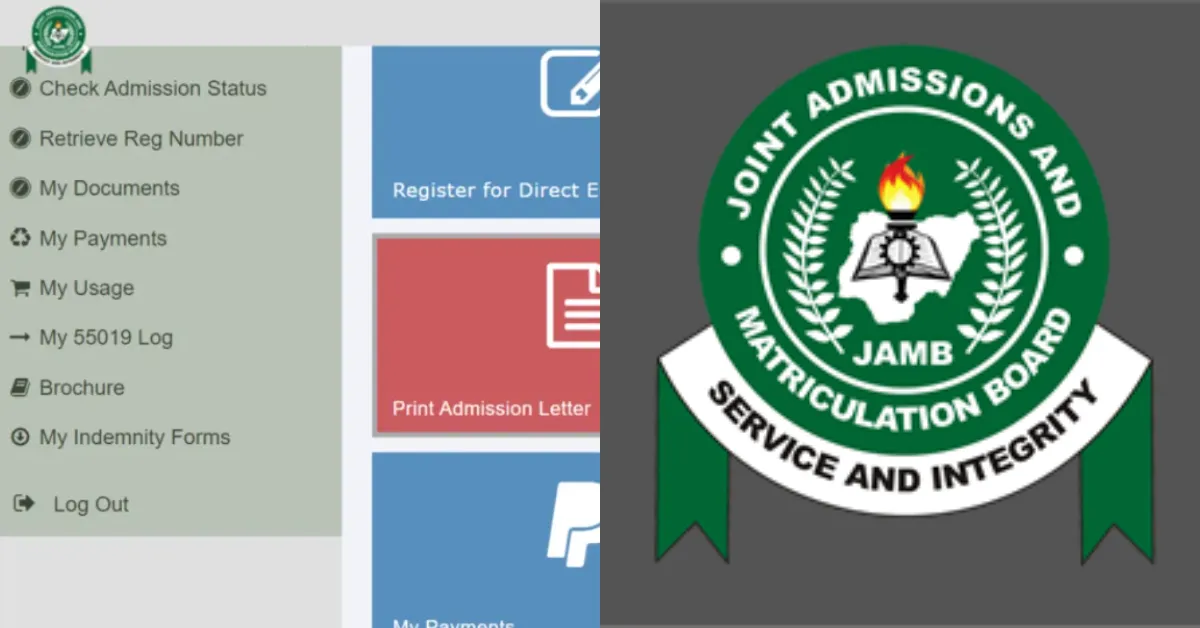
You have taken the exam, selected your preferred course, and endured the long wait. Now only one question remains: have you been admitted? Checking your JAMB admission status is the defining moment for every aspiring university student.
It is the point where months of preparation and anticipation finally give way to certainty. In this guide, we walk you through the simple process of checking your status to find out whether an institution has offered you admission.
How to Check Admission Status
Follow the steps below to check your admission status:
1. Visit https://efacility.jamb.gov.ng/login
2. Log in with your email and password.
3. Go to “Admission Status”
4. Choose your exam year.
5. Input your JAMB registration number.
6. Click “Check Admission Status”.
How to Accept an Admission Offer on JAMB CAPS
If you have received an admission offer. Here is how to accept it:
- Go to your JAMB CAPS dashboard, and there will be a notification on your admission offer. Once you see that, there will be a follow up prompt to accept or decline the offer.
- If you are satisfied with the admission offer, click ‘Accept’, and a confirmation prompt will appear to confirm your decision.
- Once you have accepted the admission offer, you can print your admission letter and acceptance letter; you will need them for your institution registration process.
Note: Once you accept, you can’t undo it, so be sure before confirming.
How to Reject Admission Offer on JAMB Portal
For many reasons, you may not want to accept your admission offer, so if you want to reject your admission, here is how to do it:
- On the dashboard, from the admission status page, click on the option to ‘Reject’ the admission offer.
- Click on the confirmation message to proceed. Once that is done, the rejection will be processed.
- Keep checking the portal for other possible offers after rejecting an admission offer.
Admission Status and its Meanings on JAMB Portal
When you log into CAPS, you may see one of these admission statuses:
| Responses | Meanings |
| Not Admitted | This means no institution has offered you admission yet. Keep checking regularly as institutions upload admission lists at different times throughout the admission cycle. |
| Admitted | You have been officially admitted by an institution, and JAMB has approved it. You must now accept or reject the offer within the specified timeframe. |
| Admission in Progress | Your admission processing is ongoing. This usually appears when you’ve accepted an offer, and the institution is finalising your admission. |
| Admission Accepted | You have successfully accepted your admission offer through CAPS. You can now proceed to print your admission letter. |
What to Do After Seeing Your Admission Status
If admitted, here are your next steps:
1. Accept the Admission on CAPS:
Click on ‘Accept’ to confirm your admission officially.
2. Print Your JAMB Admission Letter:
This is compulsory for clearance and registration in school as a fresher.
3. Print Original JAMB Result Slip:
This is required during your clearance.
4. Proceed to Your Institution’s Portal:
Pay your acceptance fee and follow all instructions for new students.
5. Prepare for Registration and Resumption:
Arrange your documents, fees, and other requirements.





No comments yet. Be the first to share your thoughts!